Every graphic window has a context menu to call the settings dialog.
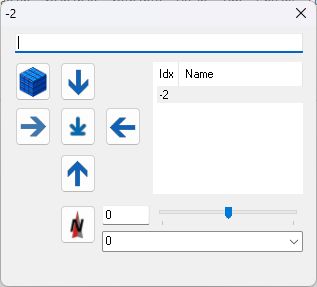
 Switch to 3D-View
mouse functions within 3D-View:
Alt-Gr: Rotate
The camera rotates around the current point; the direction does not change. Moving right or left rotates the camera around its own axis, while moving up or down has no effect..
The scroll wheel controls the camera zoom.
Alt: Pan
The camera is tilted right-left and up-down. This changes the direction, while the location remains the same.
The scroll wheel moves the focus back and forth.
Ctrl Shift
The camera is moved parallel to the current direction—left-to-right or up-to-down.
The scroll wheel moves the focus and camera together forwards and backwards.
Ohne: Circle
The scroll wheel moves the focus and camera back and forth together. The camera rotates around the object or focus point.
The scroll wheel moves the camera back and forth towards the focus.